Saturday, 31 May 2014

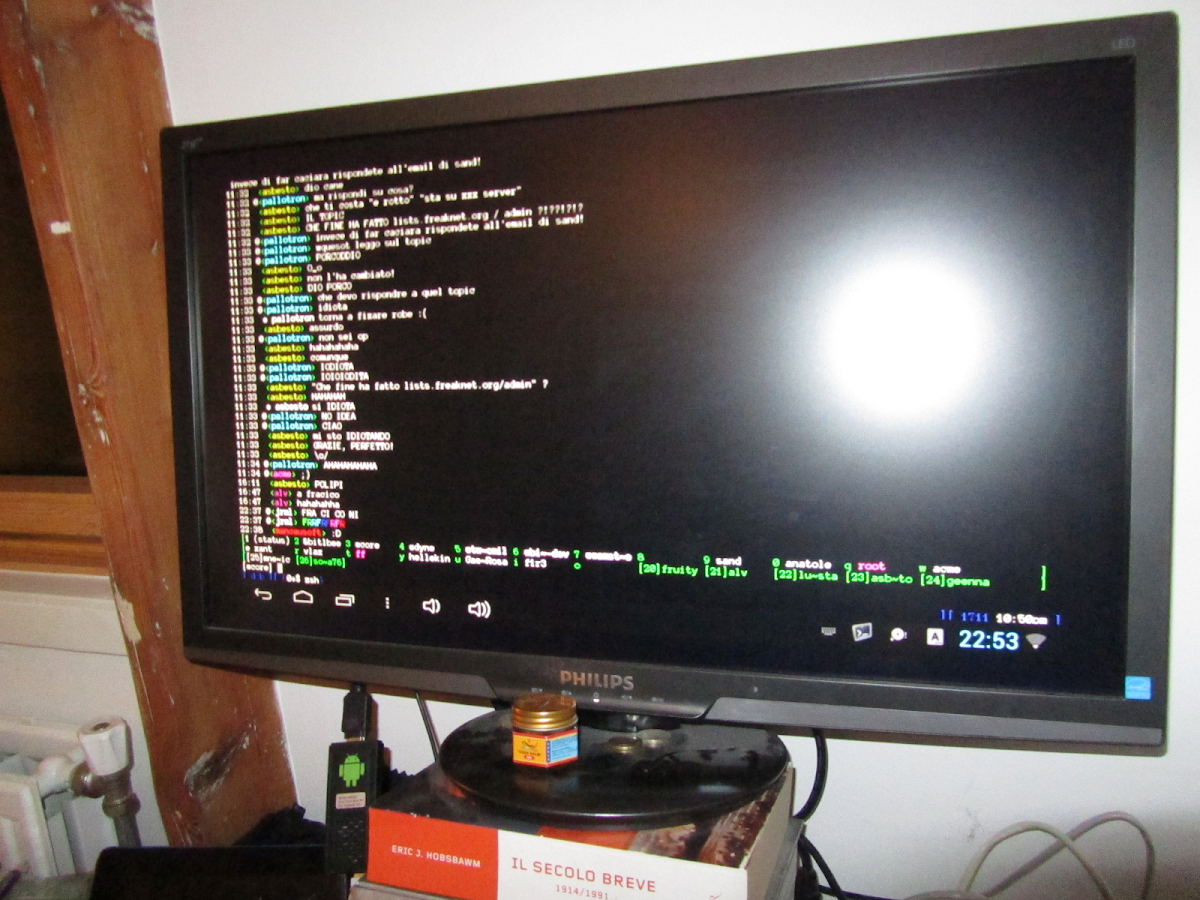
ZShaolin GNU / Linux terminal v0.9 APK

ZShaolin GNU / Linux terminal - screenshot

Description:
ZShaolin installs an interactive and scriptable console terminal on your Android device. It comes with a fully featured and well usable shell (colors, completion etc.), a large software keyboard and several command line applications to edit and convert images, audio and video in different formats, transfer files, admin remote machines and edit scripts. ☯☯☯☯☯☯ Features
No root required! ZShaolin saves you time and effort to be all set on Android with a PRO terminal that includes:
Vim (fully featured) to edit texts with syntax highlight and more
Emacs (v24 barebone) works installing the free Emacs Android app
Git versioning system to keep track of your files and their modifications
OpenSsh and RSync to transfer files over the network
Midnight Commander the historical file manager for console
FFMpeg to convert, decode and encode audio and video files
ImageMagick to convert and manipulate all image formats
Sox and OggZ to manipulate and convert audio files
Lighttpd to serve files and HTML pages from your device
Lynx a textual web browser to surf while using the terminal
GnuPG to encrypt and decrypt files and verify crypto signatures
LUA, Perl and GNU tools for shell scripts
☞ And even Games, how can we live without them? ;^)
As you can imagine ZShaolin is there to make an hacker's life easier when using Android, while offering a friendly learning environment for shell scripting.
☯☯☯☯☯☯ Documentation
ZShaolin comes complete with all manual pages of included programs (just use man!)
There is plenty of documentation freely available on the Internet in English and other languages on how to use a terminal console, here below we suggest some introductory reading:
http://en.wikipedia.org/wiki/Z_shell Information about the Z-shell
http://en.flossmanuals.net/command-line Introduction to the command-line
http://zshwiki.org ZSh user's wiki
http://grml.org/zsh/grml-zsh-refcard.pdf ZSh configuration reference card
http://www.imagemagick.org/script image manipulation
http://sox.sourceforge.net/Docs/Documentation audio manipulation
http://ffmpeg.org/ffmpeg.html video manipulation

☯☯☯☯☯☯ Known Bugs
☞ SWIFT keyboard not supported.
☞ UTF-8 extended characters are not supported (yet).
☞ Only ARM devices supported, no Intel (yet).
☞ Experimental stage: Perl, Lynx, Lighttpd, MC
☞ Not really a bug, but you need approx 240MB free! be sure there is enough space in FLASH (not sdcard)
We are actively developing ZShaolin and we welcome your bug reports: please report your problems on https://bugs.dyne.org do not report your bugs in the market comments! Many reported so far were due to hardware failure. You need to make sure your hardware is in a good state and test at least twice if you can reproduce the bug.
To login via ADB console (debugging mode ON) and drop privileges:
✂-✁-✂-✁-✂-✁-✂-✁-✂-✁-✂-✁-✂-✁-✂-✁✂-✁-✂-✁✂-✁-✂-✁
#!/bin/sh
uid=`ls -l /data/data/org.dyne.zshaolin/files/system | \
/data/data/org.dyne.zshaolin/files/system/bin/awk '{print $2; exit}'` \
/data/data/org.dyne.zshaolin/files/system/busybox/bin/setuidgid \
"$uid" /data/data/org.dyne.zshaolin/files/system/etc/zlogin
✂-✁-✂-✁-✂-✁-✂-✁-✂-✁-✂-✁-✂-✁-✂-✁✂-✁-✂-✁✂-✁-✂-✁
I will react to your reports, but keep in mind I love details! ;^)
☯☯☯☯☯☯ Thanks!
This application is still in development: by buying it you will support its progress, on our website we also detail how your money is spent.
If you don't have money to pay, you can build ZShaolin yourself: its all made with free and open-source software. To get to the sources follow links from the homepage on http://www.dyne.org/software/zshaolin
Many people supported this development by buying this app: MANY THANKS!
And happy hacking! :^)

Requirements: Android 1.6 and up


~ OR ~

franco.Kernel updater v11.5BETA build 344 APK

franco.Kernel updater - screenshot

Description:
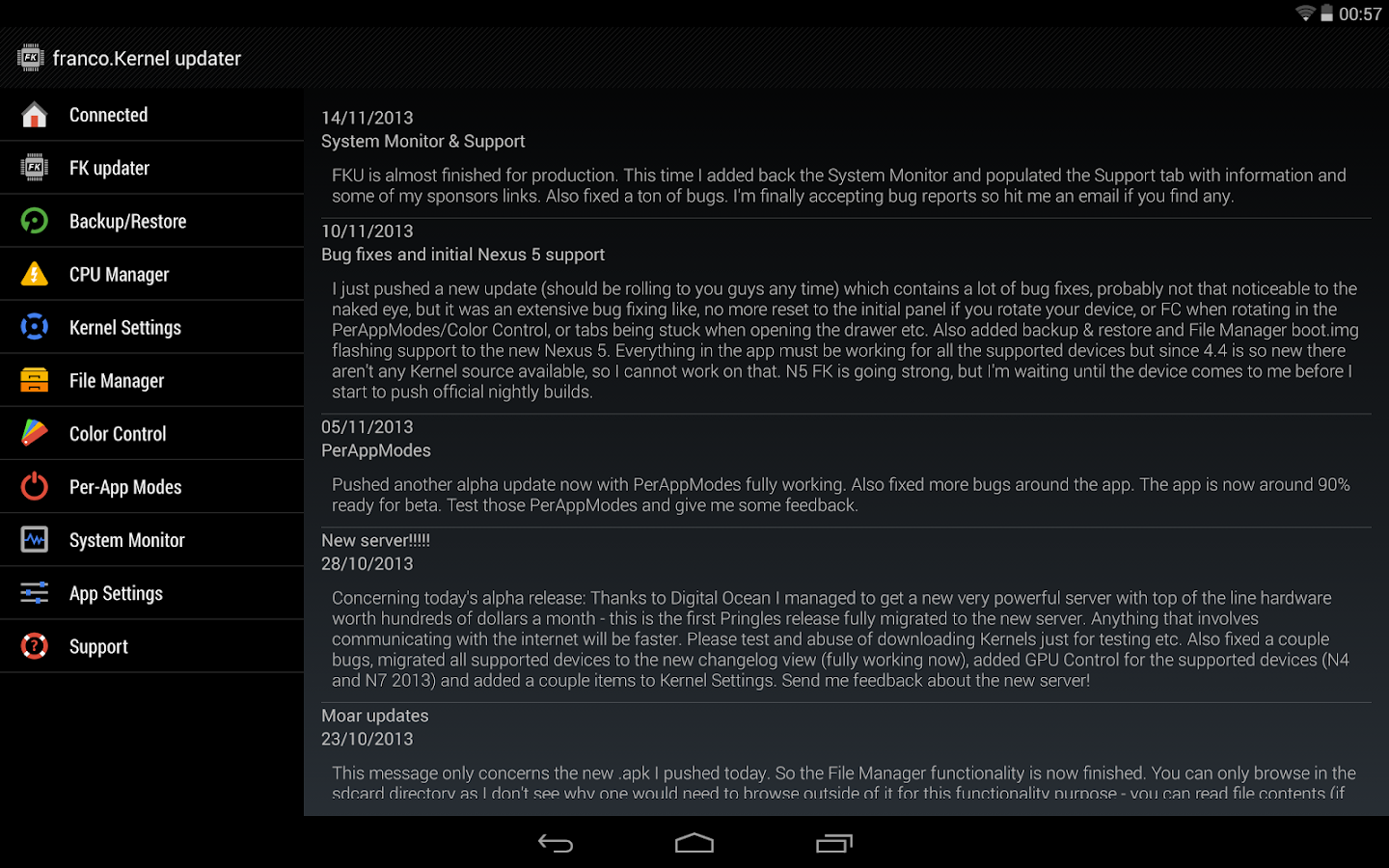
A well established top-100 paid app with one of the highest ratings in the Play Store! With a powerful and beautiful UI it combines a series of powerful tools to manage your device with franco.Kernel.

Take note that your device needs to be ROOTED. I don't accept refunds if you fail to read this warning.
This application supports the following devices only:
* Galaxy Nexus
* Asus Google Nexus 7 2012
* Asus Google Nexus 7 2013
* LG Nexus 4
* LG Nexus 5
* Samsung Nexus 10
Supports Android from 4.0.3 up to 4.4.
Functionalities:
* Deep integration with franco.Kernel
* Check for new franco.Kernel versions
* Auto flash Kernels directly into the device without any user input besides requiring a reboot
* Download .zips to be flashed in recovery
* Beautiful UI that follows Google's Guidelines using a great looking navigation drawer
* Interface to change CPU clocks and governor
* Interface to change the CPU governor parameters
* Backup & Restore Kernels on the fly without any "geek" knowledge
* Custom Kernel settings such as: IO scheduler, IO scheduler tuning, TCP congestion algorithm and options to turn logging off
* A powerful tool called PerApp Settings which you can set special sets of options for your favorite apps. For example you want maximum CPU freq when gaming, but low frequency when reading a e-book. With this tool that is possible. Its also very flexible.
* A System Monitor with a beautiful UI courtesy of the developer Christian Göllner
* A simple File Manager to flash boot.imgs and Kernel .zips on the go from anywhere inside the sdcard
* Color and Sound control for selected devices pending Kernel support
* CPU temperature available in the notification bar
* Many more options
If you desire to help out with the app translations please visit this Crowdin link: https://crowdin.net/project/francokernel_updater
Banner and icon courtesy of Lab75
*DISCLAIMER*
I take no responsibility for any fault or damage caused by any procedures of the app. No warranties of any kind are given.

Requirements: Android 4.0.3 and up


~ OR ~

Real Tooth Morphology v2.1 APK

Real Tooth Morphology - screenshot


Description:
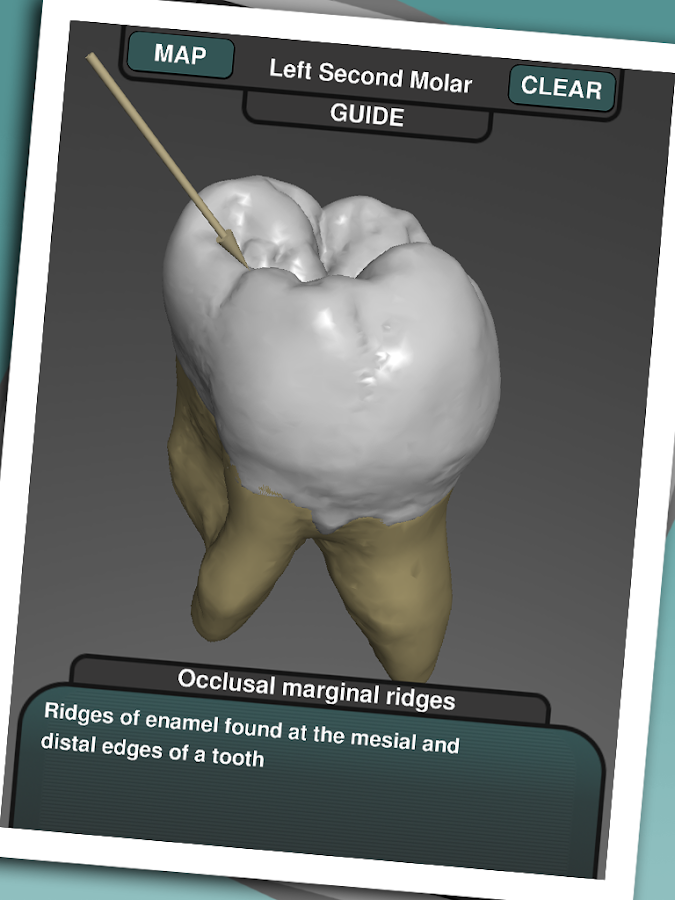
This groundbreaking app uses high resolution micro-CT scan data of real teeth. The data has been collected and processed by two university academics, who used 3D reconstruction techniques to allow the external and internal structures of the teeth to be explored in 3D in great detail. The app also contains a guide to the morphology and features of the teeth, with 3D demonstrations of how they relate to the tooth in question. A major advantage of using real teeth is that many show interesting and unusual features, which would be seen on dental patients. These can be explored and are explained through an interactive guide.
This is the perfect tool for Dentists, Dental students and anyone else wishing to learn the medical structure of the teeth and mouth. The high detail and resolution available when viewing an individual tooth, including the internal structures, allows many interesting features of the teeth to be seen and understood.
The app contains an educational guide containing facts and detail about each high resolution tooth. This has been written by published experts in the field and gives a medically correct overview of the morphology of the teeth. Real Tooth Morphology can replace a dental textbook as a learning tool and has the advantage of being able to demonstrate the points shown using real 3D tooth models rather than flat diagrams.

Requirements: Android 2.2 and up


~ OR ~

Nexus Media Importer v7.6.2 APK

Nexus Media Importer - screenshot

Description:
Nexus Media Importer allows you to stream and transfer music, video, photos and documents from a USB flash drive or card reader connected to your Nexus 5, Nexus 7 (G1 & G2), Nexus 10, Moto X, Galaxy Nexus, Xoom or other Android 4.0+ devices with USB Host support. See technical notes for a list of supported file types and file systems. If you have the Nexus 7 2013 or Nexus 10, make sure you update to Android 4.4+ to avoid problems.
Requires the following hardware:
1. An Android 4.0+ device. Known compatible devices include the Google Nexus 5, Nexus 7 (G1 and G2), Nexus 10, Moto X, Galaxy Nexus and the Motorola Xoom. Please try the free "Nexus Photo Viewer" first if you do not have one of these devices. Due to hardware limitations, the Nexus 4 is not supported.
2. An USB OTG (On-The-Go) cable. Costs range from $1-10 USD, see screenshots for examples.
3. An USB Flash Drive or USB Card Reader with a flash memory card inserted, see screenshots for examples. Please see the FAQ on our website if you are trying to connect an external hard drive or other device.
IMPORTANT: To use NMI offline, you will have to activate the license by opening it online after installing.
To use:
-If you are using an card reader, put the flash memory card in the reader first.
-Attach your USB device to the OTG cable.
-Attach the OTG cable to the Nexus or other device.
-The application should launch automatically.
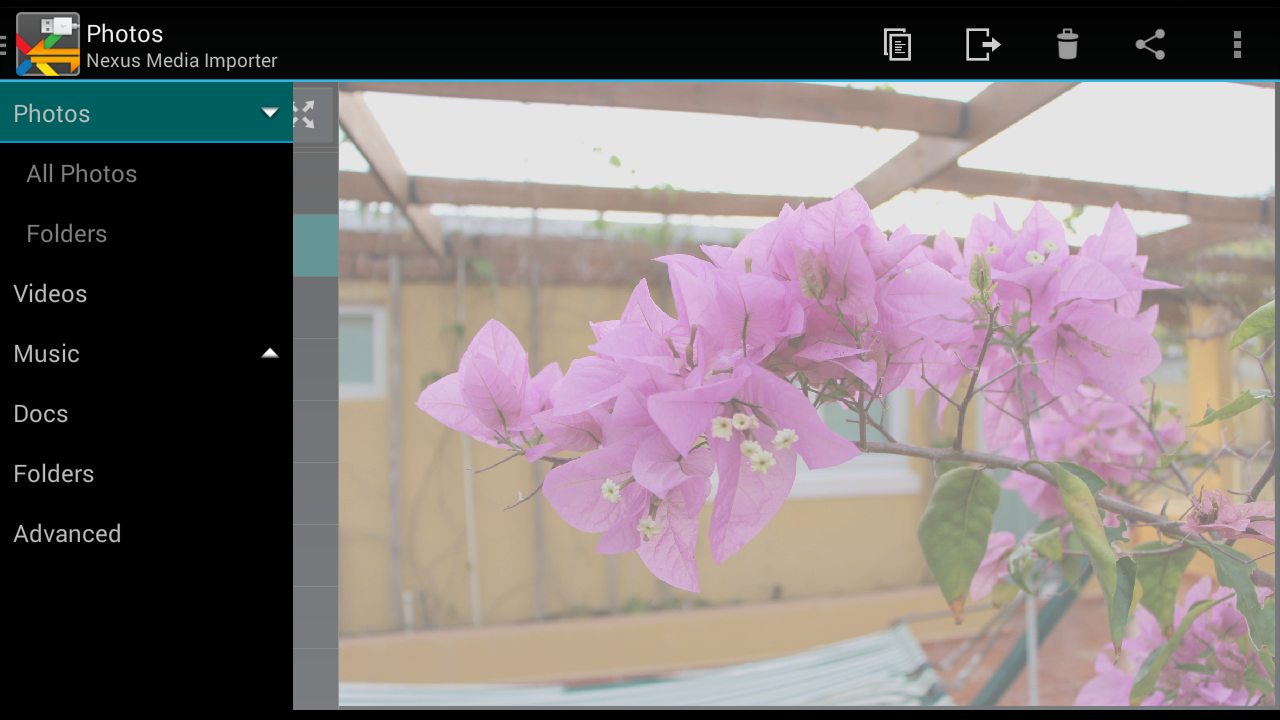
-Photos can be browsed by selecting from the list then swiping back and forth.
-Videos can be streamed with the Play icon.
-The Advanced tab can be used to manage and transfer files.
-Use the Connect screen to determine the viewed device and the destination device for the Copy/Move operations.
Support:
-If you have an issue, please visit the Developer's Website or contact us by clicking "Email Developer".
-Currently, most USB Mass Storage devices are supported. Due to the mind boggling number of USB devices available it is not 100% If you contact us, we may be able to support your device in a future release. If you have doubts, try the free "Nexus Photo Viewer" first.
Technical Notes:
-DOES NOT REQUIRE ROOT! Rooting may void your device's warranty.
-The USB drive/flash memory card must be formatted as FAT16, FAT32 or NTFS (no exFAT). FAT & NTFS are the most common formats for flash cards and USB Drives.
-Read Only for NTFS and Ext2/3/4.
-Hard Drives. It is strongly recommended that you use external power when connecting a hard drive to a tablet. Please see the troubleshooting guide on my web site for more information. Do not connect an unpowered hard drive to a phone!
-This is a media streamer. Media types not natively supported by Android will require third party software. There are many excellent free and paid apps. in the Play market. For example:  "BS Player", "MX Player" and "Dice Player"
-The internal music player only plays formats natively supported by Android. WMA files are not supported, but can be copied locally for use with another player.
How-to Videos:
-Connecting: http://www.youtube.com/watch?v=etrIpNHhWi0
-Photo: http://www.youtube.com/watch?v=3MSjqZWUIqI
-Music: http://www.youtube.com/watch?v=Es7QyhkWjcI
-General: http://www.youtube.com/watch?v=eCgvmvzqWAQ
See the FAQ on the Developer's Website for an overview of the permissions.
This software is not produced by Google, which owns the Nexus trademark.

Requirements: Android 4.0 and up


~ OR ~

Docs To Go - Premium Office Suite v4.001 build 1451 APK

Docs To Go - Free Office Suite - screenshot

Description:
Work from anywhere: View, edit, and create Microsoft® Office files & view Adobe PDF® files on your Android smartphone and/or tablet with the original & #1 selling mobile Office suite of all time. Docs To Go 4.0 contains best-in-class document viewing & editing at no charge. Options for connecting to multiple cloud storage accounts, desktop file sync, and opening password-protected files are available via in-app purchase.
THE DATAVIZ® ADVANTAGE
• Founded in 1984, DataViz is an industry leader in developing mobile Office & productivity solutions for Android, iOS, and more.
• Documents To Go, now in its 15th year, is currently preloaded on millions of devices around the world and has been downloaded over 40 million times on Android.
• InTact Technology™ retains original document formatting of edited files.
• No account sign-up necessary to get started in creating files and the freedom to save files where you choose!
• All your files in one app - no need to download separate components or cloud service/drive apps.
• Multiple file save & synchronization options – Save & sync directly to your Android device, desktop & laptop via USB*, and to various cloud services*.
• Technical support is available via email & via our robust knowledgebase at DataViz.com.
NEW in v4.0:
• Editing is now free for new users and existing Docs To Go ‘Viewer Edition’ users.
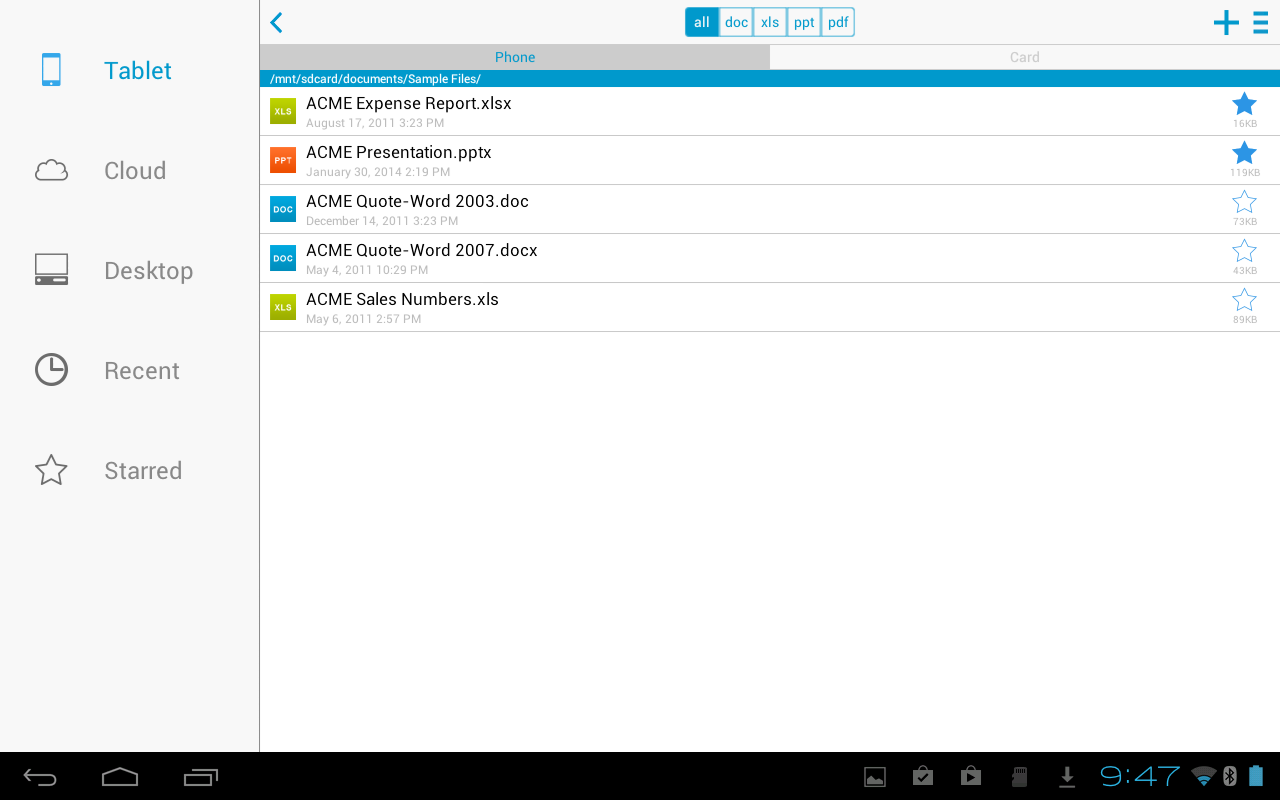
• App redesign – Modernized user interface includes a refined file explorer and easy access to extensive editing & formatting options without sacrificing valuable screen real estate.
• Cloud services support* – View, edit, save, and sync with multiple cloud services: Dropbox, Box, SkyDrive/OneDrive, and Google Drive.
• Android Kit Kat (v4.4) OS compatible.
OVERALL SUITE FEATURES:
• Includes both Android smartphone & tablet versions in one download.
• View, edit, and create MS Office files (97-2013).
• View PDF files.
• Save changes directly to your device, memory card, multiple cloud services*, or to your Windows computer with our desktop/laptop application*.
• Send & receive supported email attachments using Gmail or your favorite email app.
• File sorting manager (sort your file list by Name, Modified, Size, etc.).
• Localized in English, French, German, Spanish, Italian, Portugese, Brazilian Portugese, Russian, Turkish, Japanese, Chinese, Korean, Arabic, Polish, Czech.
WORD TO GO FEATURES:
• Format font type, size, color, bold, italics, underline, and highlight text
• High fidelity viewing for embedded graphics, tables, bookmarks, comments, footnotes/endnotes, text boxes, table of contents, and hyperlinks
• Change paragraph alignment
• Edit bullets & numbering
• Find & replace
• View Tracked Changes
• Word count
• Open password protected Word 97-2013 files*
SHEET TO GO FEATURES:
• Freeze panes
• Sort
• Auto-fit
• Extensive cell, number, and sheet formatting options
• 111 functions supported
• Insert, delete, resize, hide/unhide rows & columns
• Rename, insert, and delete worksheets
• Find/find next
• View charts
• Open password protected Excel 97-2013 files*
SLIDESHOW TO GO FEATURES:
• Effortlessly “flick” through slides
• Rehearse timing
• View speaker notes
• Sort and edit slides, including promote/demote bullets
• Open password protected PowerPoint 97-2013 files*
PDF TO GO FEATURES:
• High-fidelity viewing of PDF files with page view, word wrap, auto-rotate, bookmarks, search, and select/copy text options
• Pinch-to-zoom to desired PDF page size/width
• Open password-protected PDFs*
*Select features only available via in-app purchase in Docs To Go, such as file access via cloud services, desktop sync (Windows only), and password-protected file support.

Requirements: Android 2.2 and up


~ OR ~